Generate API Keys
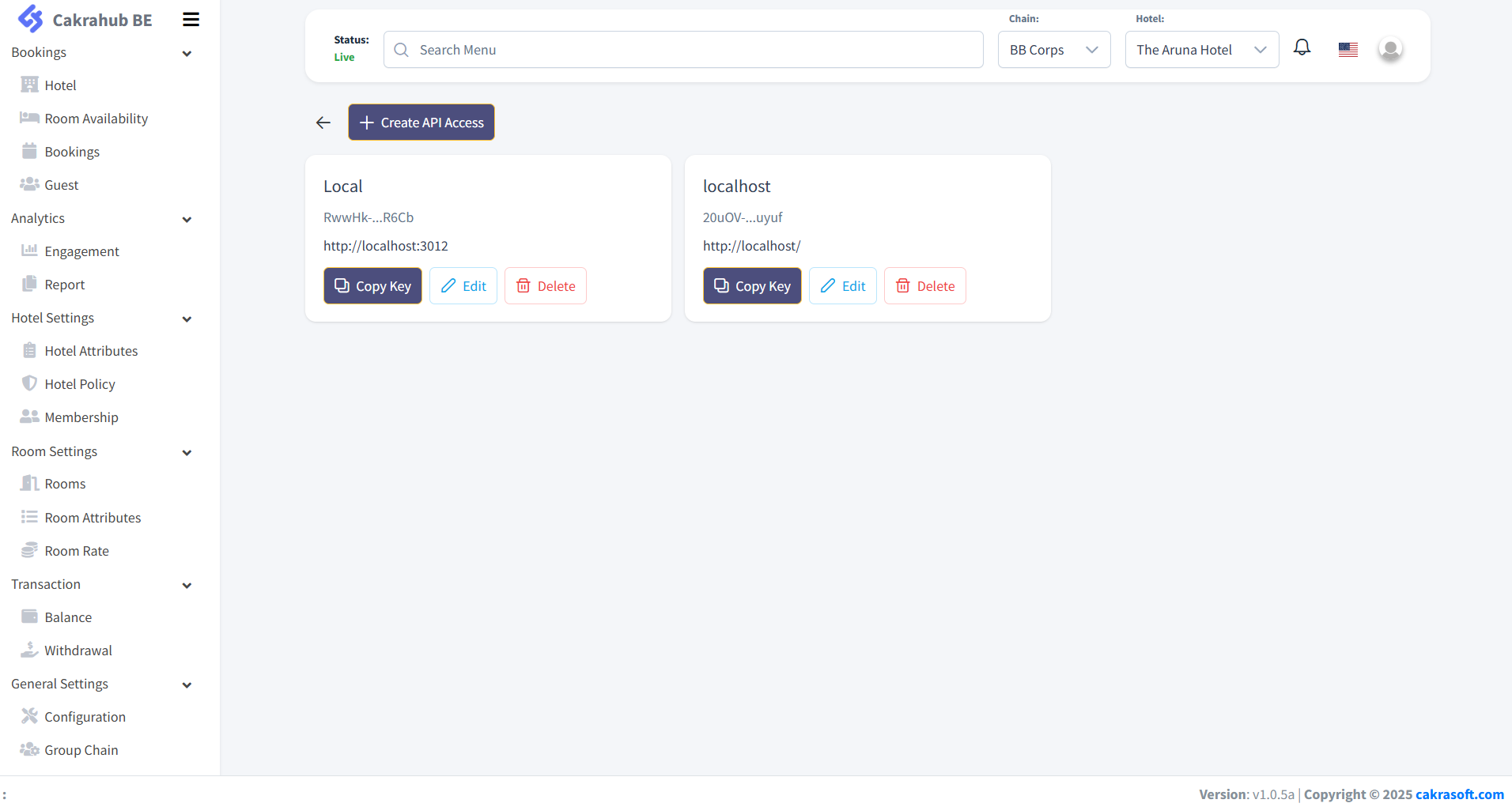
To connect to the Cakrahub Booking Engine API, you need to generate API keys. Follow these steps:
1. Go to the Configuration Menu
- On the left sidebar, expand General Settings.
- Click on Configuration.
- Then select the API tab.
2. Create API Access
- Click the + Create API Access button at the top of the API page.
3. Fill in the API Access Form
- Remark: Enter a remark or note to help you remember what this API key is for.
- The input form is disabled by default, as users are not allowed to create API keys by themselves. If you have the required permissions, you will see a Generate button at the bottom of the form.
- Click Generate to create your API key.
4. Set Allowed Website
- In the Allowed Website field, enter the domain(s) that are permitted to use this API key.
- For example:
https://example.com - To allow all domains, enter a single asterisk:
*
5. Copy and Use Your API Key
- After generating, your new API key will appear in the list.
- Click Copy Key to copy it to your clipboard. Use this key in your API requests as required.
Note: If you do not see the option to generate an API key, please contact your administrator for access.