Configuration
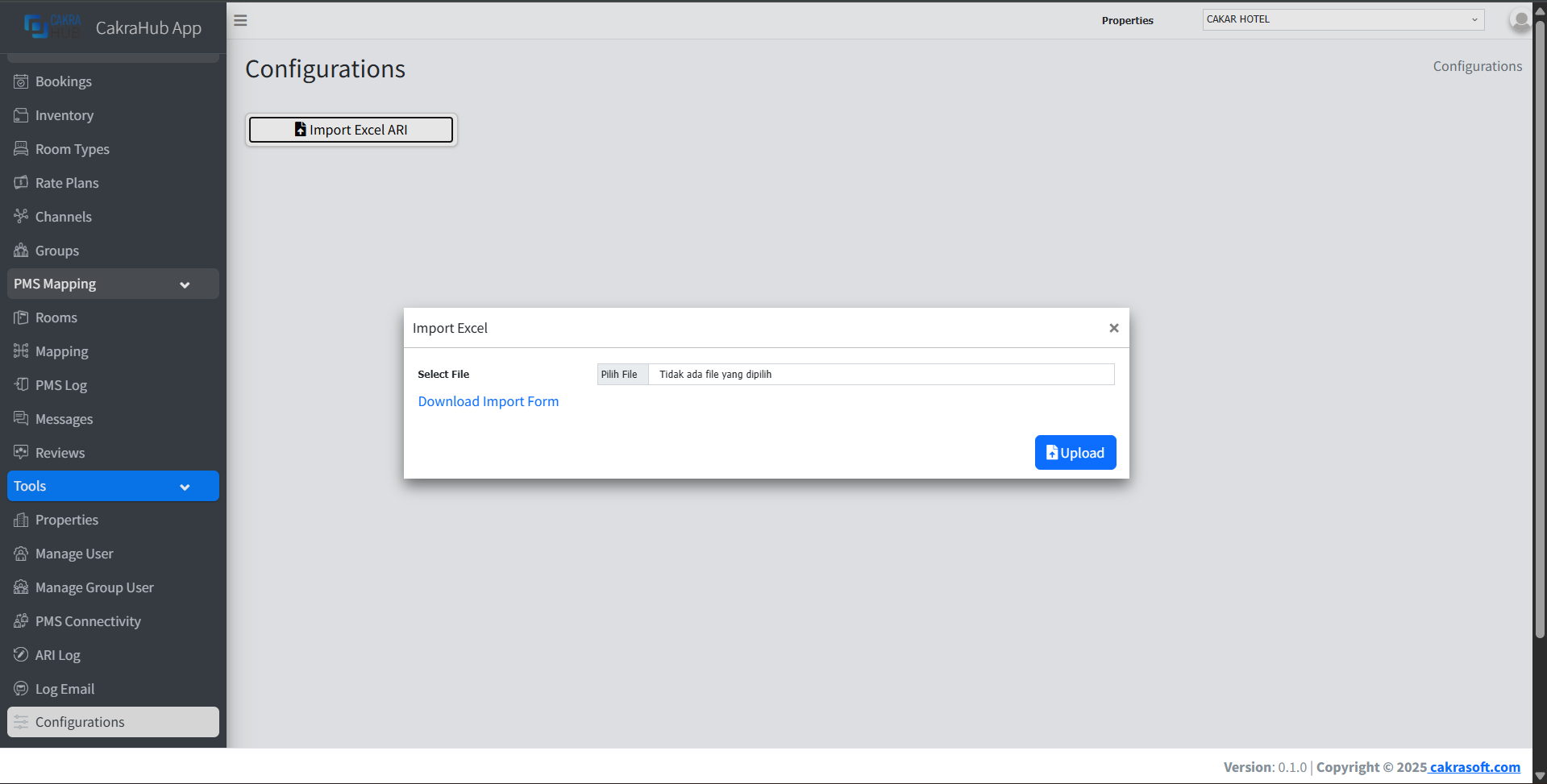
The Configuration menu is an additional menu where you can update availability and rates here using data from Excel.
How to Use
- Click import Excel
ARI. - When the
selectfile form appears, you can choose the Excel file that you have filled in before. For the Excel format, you can download the Excel file from thedownload import formtext. - After the file has been successfully selected, you can directly click upload, then the
ARIdata (rate and availability) will be automatically updated in the inventory menu.
Best Practice
It is recommended to use this feature when you more often use Excel to record ARI. It would be better to still update ARI through the inventory menu, but if connected to PMS, it is better to update ARI only in the PMS